Discord for Streamers: Setup That Converts Viewers to Community
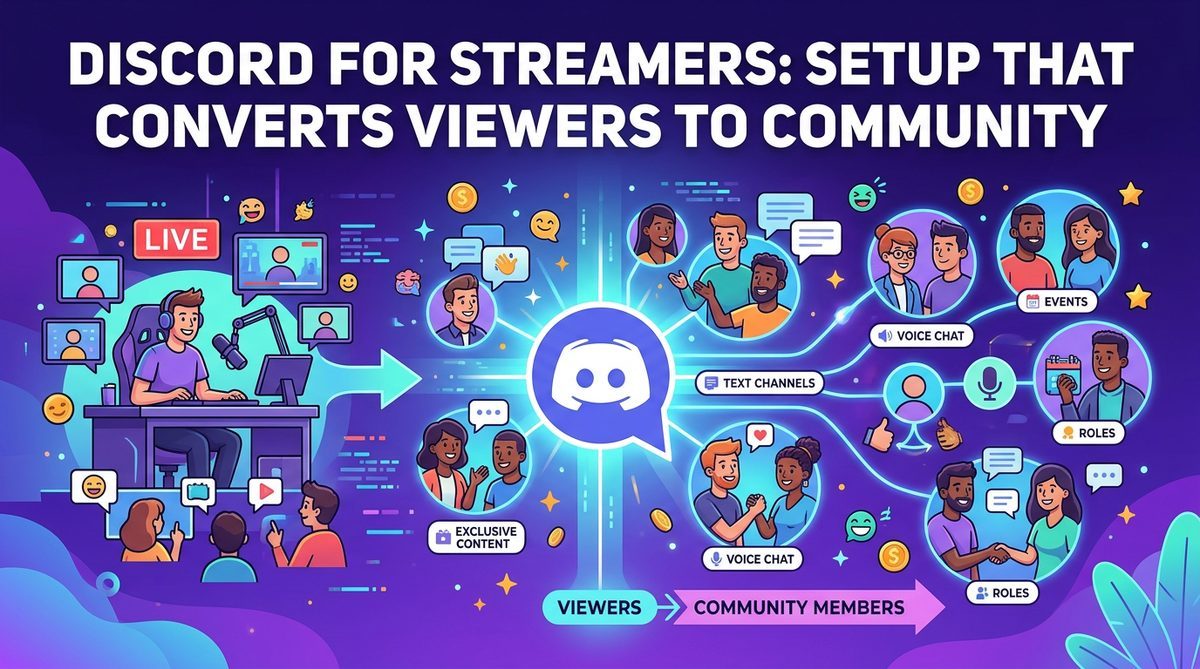
Quick answer (No BS)
You need a small Discord people can understand in 30 seconds: schedule, chat, clips. Skip 40 empty channels. Promote it once clearly on stream, not every five minutes.
Minimum viable server
- #welcome, rules in plain language + who this community is for.
- #announcements, you post; members read (schedule, going live).
- #general, main hangout.
- #clips-and-vods, share your clips; invite feedback.
- #schedule (or pin schedule in announcements), timezone included.
Add roles later (mods, regulars). Day one complexity kills activity.
Onboarding that works
- One invite link in panels, About, and ending screen.
- Auto-role for “joined from stream” if you use verification bots, keep it light.
- Post a pinned “start here” message: when you go live, how to get notified, what not to spam.
How to mention Discord on stream
- Once near the start (after the open), once mid-stream if it fits, once at the end.
- Give a reason: “schedule + clip feedback,” not “join for vibes.”
- Never guilt people for not joining.
What to post when the server is quiet
- Next stream time + game/topic.
- One clip with a question (“Was the hook clear?”).
- A weekly “what should we play / talk about?” poll.
Quiet servers are normal at 0–10 viewers. Consistency beats fake “active community” theater.
Real Talk for Streamers
Before you go all-in on grind culture, read this.