Go Live Checklist (Tech + Content + CTA)
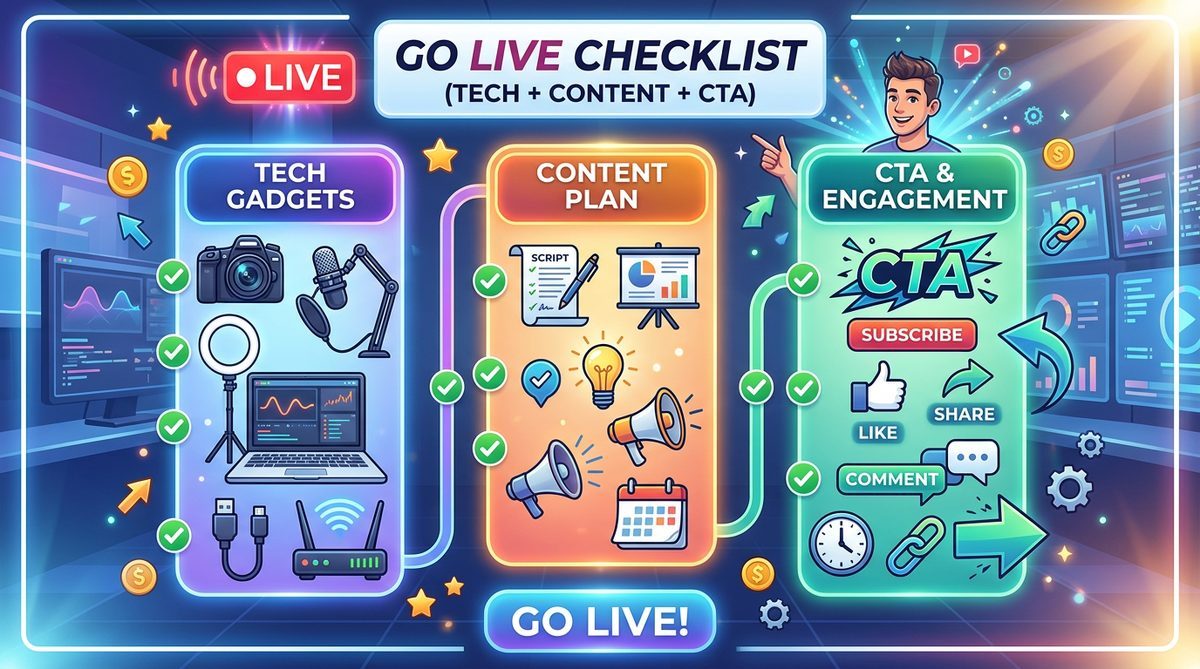
Quick answer (No BS)
A clean start beats a perfect setup. Spend ~10 minutes before every stream on tech, content, and one CTA. Your first five minutes should feel intentional.
Print this or keep it as an OBS dock note. The point is repeatable calm, not a 40-item ritual.
Tech checklist (~5 min)
- Mic: levels look healthy, no hard clipping, noise gate not cutting words.
- Headphones / desktop audio: confirm game + chat + alerts are routed correctly.
- OBS scenes: Starting Soon, Live, BRB, Ending, transitions work.
- Encoder / bitrate: matches your upload; see OBS for Twitch or low upload guide.
- Title + category + tags: updated for this stream, not yesterday’s.
- Notifications: Discord / social “going live” ready (or scheduled).
Content checklist (~3 min)
- Write tonight’s objective in one sentence and pin it or put it on-screen.
- Prepare one fallback segment if the main plan dies (second game, chat Q&A, clip review).
- Open with action, not menus, inventory, or five minutes of silence.
- Know your first hook: what should a lurker understand in 30 seconds?
CTA checklist (~2 min)
- One primary CTA (usually Discord or follow), not four competing asks.
- Optional secondary: “reply with X for next-stream vote” or clip feedback.
- Before ending: say schedule again and pin it if your platform allows.
Copy/paste pre-stream note
Objective: _______________________
Fallback: _______________________
CTA: _______________________
Schedule reminder: _______________
After stream (2 min)
- Note one thing that worked and one that killed energy.
- Mark a clip candidate while it is fresh.
- If Discord exists, drop a short “thanks + next stream” message.
Real Talk for Streamers
Before you go all-in on grind culture, read this.